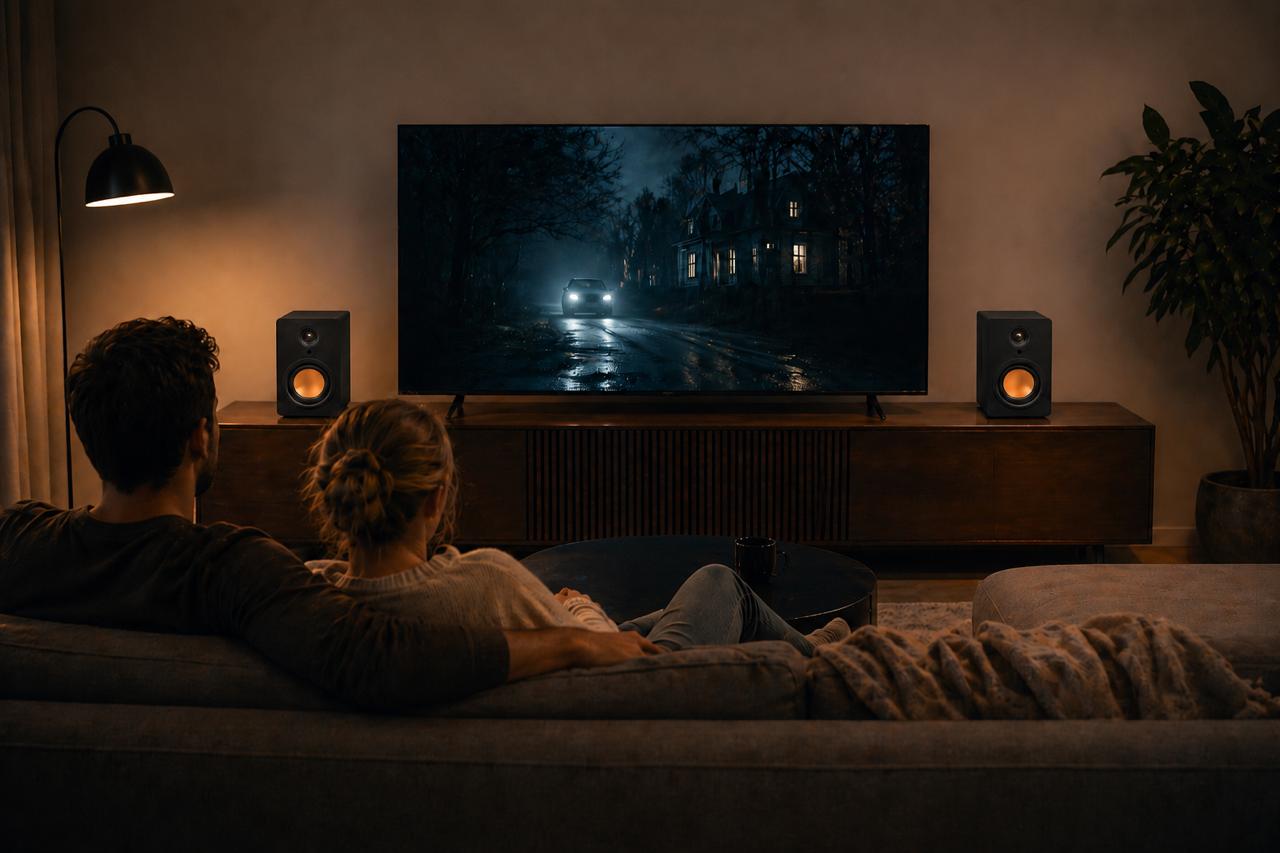
For most living rooms, the best kind of speakers for a TV is a powered stereo pair, one speaker either side of the screen, connected to the TV by HDMI ARC. That combination gives you real left and right sound, clear dialogue, and volume on the TV remote you already use, with no separate amplifier. A soundbar is the simpler single-box option, and a full surround system is the bigger one, but a powered pair sits in the sweet spot for everyday TV and music.
The right choice still depends on your TV’s outputs and your room, so here’s how each option compares.
Do you need speakers for a TV at all?
Not strictly. Every TV has speakers built in, and they’ll play anything you watch. The problem is space. Modern TVs are so thin that the speakers have to be tiny, and they usually fire downwards or backwards out of the bottom edge of the set. There’s simply no room for a driver big enough to move much air, so bass is thin, dialogue can sound boxed in, and turning the volume up tends to make things louder without making them clearer.
If you mostly watch the news in a small room, the built-in speakers may be enough. If you find yourself reaching for subtitles, riding the volume between loud adverts and quiet dialogue, or wishing films had more weight, external speakers are the fix.
What are the main types of TV speaker?
There are five realistic options, and each one solves a slightly different problem.
A soundbar. One long box under the screen with several small drivers inside, usually using processing to create a sense of width. Easy to set up, easy to hide, but all the sound comes from one place.
A powered stereo pair. Two speakers with the amplifier built in, placed either side of the TV. Genuine left and right channels, and no separate box to buy.
Passive speakers with an amplifier. The traditional hi-fi route. Excellent sound is possible, but you need an amplifier with a connection your TV can talk to, and speaker cable to both speakers.
Bluetooth speakers. Handy for occasional use, but the wireless link can put sound slightly out of step with the picture, which matters far more for TV than for music.
A surround system. Several speakers around the room plus a receiver. The most immersive for films, and the most cables, setup and space.
Why is a stereo pair the best fit for most rooms?
Because almost everything you watch is mixed with a left and a right. TV dramas, sport, music and most streaming content all carry a stereo soundtrack at the very least, with sounds placed across the width of the screen. Two speakers set either side of the TV reproduce that width as it was intended. A single box has to squeeze it back together and then try to spread it out again with processing.
Dialogue works differently in stereo, and better than many people expect. Speech is usually mixed equally into both channels, so it appears to come from the middle, between the two speakers, which is exactly where the screen is. Keep the speakers roughly the same distance from your seat and dialogue locks onto the picture. We’ve covered the full comparison in our soundbar vs stereo speakers guide, and the practical side of making the switch in can stereo speakers replace a soundbar for TV?.
The other advantage is that the same two speakers play music properly, so one system covers TV and music.
Should the speakers be powered or passive?
For a TV, powered is usually the easier choice. A powered speaker has its amplifier built in, so it can take a signal straight from the TV. A passive speaker needs a separate amplifier, and here’s the catch: many stereo amplifiers don’t have an HDMI input, so you may also need a converter to turn the TV’s digital output into something the amplifier accepts. It all works, but it’s more boxes, more cables and often more remotes.
If you already own good passive speakers and an amplifier, it’s well worth trying them with your TV before buying anything new. If you’re starting from scratch, powered speakers cut out a layer of complication. Our powered vs passive speakers guide goes into the trade-offs in more detail.
Which connection should you use?
This matters as much as the speakers themselves, so check the back of your TV before you buy. In rough order of preference:
HDMI ARC or eARC. The TV sends its audio down an HDMI cable to the speakers. On most sets this also lets the TV remote control the speakers’ volume and power, which is the single biggest convenience for everyday viewing.
Optical (TOSLINK). A reliable digital connection found on most TVs from the last decade or so. Sound quality is excellent for TV, though remote control of the volume isn’t always as seamless as with HDMI ARC, depending on the TV and speakers.
Analogue out (3.5mm or RCA). The fallback for older TVs or speakers with only analogue inputs. Perfectly usable, but check whether the TV’s output is fixed level or follows the TV volume.
Bluetooth. Convenient, but best treated as a backup for TV use because of the risk of lip-sync delay. Some TVs and speakers handle it well; others don’t.
Our own range is built around the first route. The uStream Cube connects by HDMI ARC, Bluetooth 5.3 or a 3.5mm aux input, and once it’s on HDMI ARC it’s controlled by the same TV remote. The uStream One, uStream Two and uStream Three add an optical input as well, for TVs where HDMI ARC isn’t an option.
Can you use bookshelf, PC or monitor speakers for a TV?
Usually, yes, as long as the connections line up. “Bookshelf” describes a size, not a type, so the first question is whether they’re powered or passive. Powered bookshelf speakers with an optical or HDMI input can connect straight to the TV. Passive bookshelf speakers need an amplifier, as above.
PC speakers and studio monitor speakers are almost always powered, which helps, but they tend to have analogue inputs only: a 3.5mm jack for PC speakers, RCA or professional-style connectors for monitors. That means using the TV’s headphone or line output, or adding a small converter from the TV’s optical output. They’ll work, but you won’t get volume on the TV remote, and desktop speakers are designed to be listened to from an arm’s length away, so they may struggle to fill a living room from across the sofa.
How big should TV speakers be?
Big enough for the room, not the TV. It’s the size of the room and how far you sit from the screen that sets the requirement, not the screen size.
In a small room, compact speakers are often the better choice, because larger speakers can overload the space with bass. Our guide to choosing speakers for a small room covers that in detail. In a larger room, a speaker with a bigger bass driver and more continuous power will keep dialogue clear and films dynamic without straining. When you compare power figures, look for RMS ratings rather than peak numbers. RMS tells you what the speaker can sustain through a two-hour film; peak is a brief maximum that flatters the box.
Where should TV speakers go?
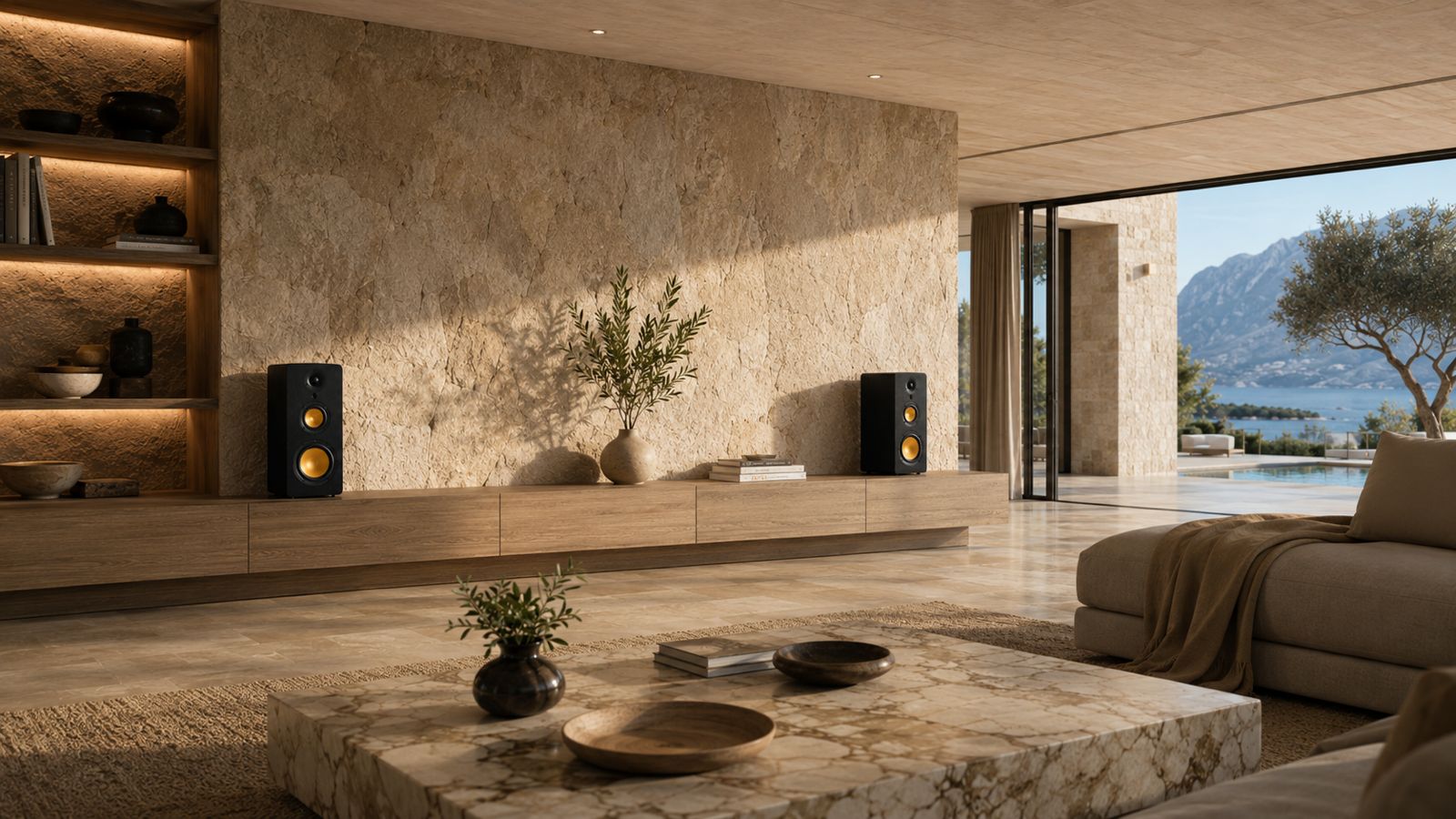
Either side of the screen, at roughly the same distance from your main seat, and with the tweeters (the small drivers that handle high frequencies) somewhere near ear height when you’re sitting down. If the speakers sit on a low TV unit, angling them up slightly or raising them on small stands helps dialogue sound clearer.
Leave a little space between each speaker and the wall behind it, and avoid tucking them deep inside a closed cabinet, which tends to make bass boomy and blurs speech. If your room can’t give you a neat symmetrical layout, our guide to where speakers should be placed has workarounds for awkward rooms.
A wireless stereo pair makes placement easier, because there’s no speaker cable running between left and right. Every uStream speaker pair links itself automatically when switched on, with no app and no Wi-Fi, so the only cables to hide are the one from the TV and the power leads.
So which should you choose?
If you want the simplest single box and mostly watch TV, a soundbar is a reasonable buy. If you want films to sound like a cinema and have the space for speakers behind the sofa, look at surround. For everyone else, a powered stereo pair on HDMI ARC is the best all-round answer: proper stereo, clear dialogue, one remote, and a system that plays music as well as it plays TV.
Check your TV’s outputs, measure the space either side of the screen, and choose speakers sized for the room. If you’d like to compare options, the full uStream range runs from the compact uStream Cube, built as a soundbar replacement, up to the uStream Three for larger rooms.
Frequently asked questions
Can you use Bluetooth speakers for a TV?
Yes, if your TV supports Bluetooth audio out, but the wireless link can make sound lag slightly behind the picture. Some TVs offer an audio delay setting to correct it. For a permanent TV setup, a wired HDMI ARC or optical connection is more dependable.
Can you use hi-fi speakers for a TV?
Yes. Passive hi-fi speakers need an amplifier, and the amplifier needs an input your TV can feed, such as HDMI ARC or optical, or a converter if it only has analogue inputs. Powered hi-fi speakers with a digital input can connect to the TV directly.
How do wireless speakers for a TV work?
Most connect to the TV with one cable or a Bluetooth link, then send sound between themselves wirelessly. In a true wireless stereo pair, one speaker receives the TV’s audio and passes the other channel to its partner, so there’s no speaker cable between them. Each speaker still needs its own power.
Can I use my TV as a speaker for music?
Yes, most smart TVs can play music from streaming apps, and some accept Bluetooth from a phone, but the built-in speakers are the same small ones that struggle with films. Adding external speakers improves music just as much as TV.