Yes. A powered stereo pair either side of the TV handles films and music well, because music is mixed in stereo and two speakers give voices a clear, solid centre. Connect the TV by HDMI ARC for the picture’s sound, stream your music to the same pair over Bluetooth, and you have one set of speakers doing both jobs with no switching between boxes.
Why do stereo speakers suit both TV and music?
Almost everything you listen to is made for two channels. Albums are mixed in stereo, and most TV programmes and films send a stereo signal to your TV’s output. A pair of speakers spaced either side of the screen is therefore the format both were made for, rather than a compromise between them.
A soundbar tries to fake width from one box under the screen. Music tends to sound narrow, because left and right are only a short distance apart. Our comparison of stereo against a soundbar goes through the differences, and our guide to replacing a soundbar with speakers explains how to make the switch.
How do you connect one pair to the TV and your music?
You need two routes into the same speakers: one from the TV and one from your phone, tablet or laptop.
TV to speakers by HDMI ARC. Connect the speakers to the HDMI port on your TV marked ARC or eARC. One cable carries the TV’s sound to the speakers, and the TV remote can usually control the volume. If your TV has no ARC port, optical is the fallback, and our guide to HDMI ARC or optical explains the trade-offs.
Music by Bluetooth. Pair your phone once, then play from any streaming app. The same pair of speakers plays it with the TV off, so you are not running a television just to listen to an album.
Anything else by cable. An aux or RCA input takes a CD player or a turntable. Check which inputs your speakers have before you buy.
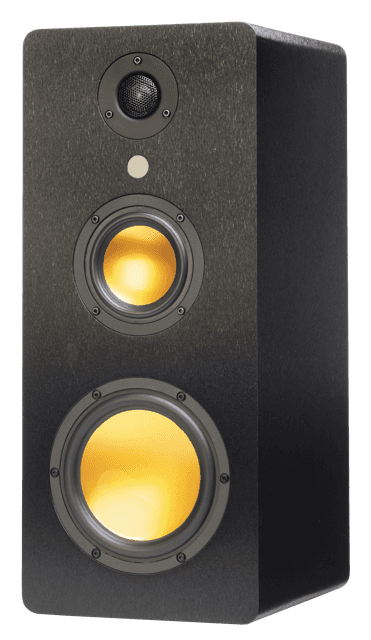
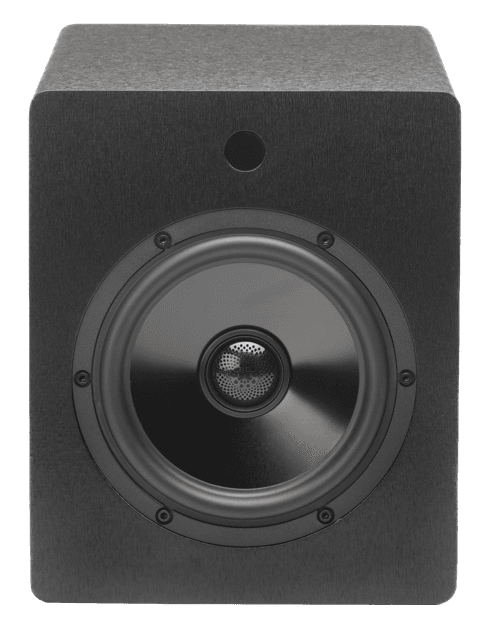
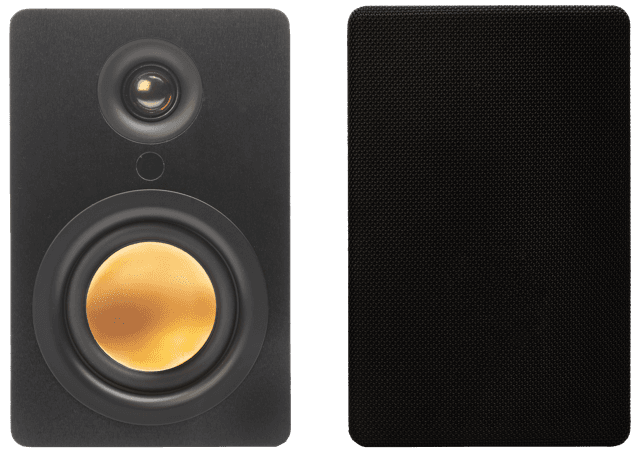
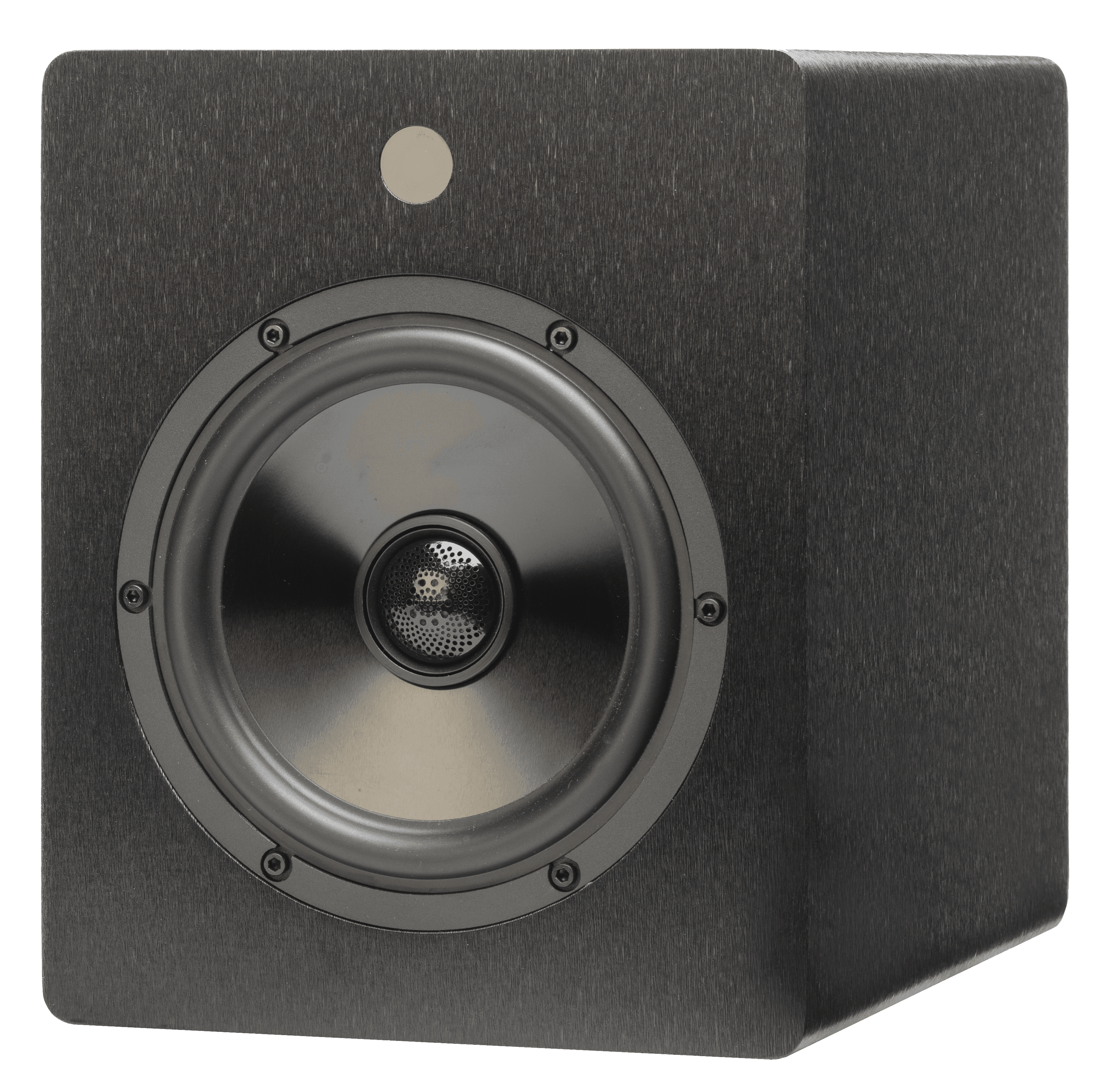
uStream Cube, uStream One, uStream Two and uStream Three all connect to a TV through HDMI eARC and stream over Bluetooth. uStream One and uStream Two also have RCA inputs, and uStream Cube has a 3.5mm aux input. Every uStream pair works with Alexa and Google Home, so you can ask for music by voice from across the room.
Does a pair of speakers work for music as well as it does for TV?
Yes, and the gain is often bigger for music, because you are finally hearing it as it was mixed. Voices and instruments sit between the speakers, and the sound does not collapse when you turn it up.
For TV, the benefit is mostly dialogue. A pair gives voices a clear centre, so speech stops competing with effects. If dialogue is your main complaint, our guide to getting clearer TV dialogue shows what to adjust on the TV as well.
Where should the speakers go so they suit both?
TV and music want slightly different things, so aim for a position that is good for both rather than perfect for one.
One speaker either side of the screen. This gives films a wide front and still works as a normal stereo pair for music.
Tweeters near ear height when you sit. A low TV unit often leaves speakers too low, so a stand or sturdy sideboard helps.
A little clear space around each cabinet. Pushed into a shelf or a corner, speakers sound boomy and muffled.
A slight turn inwards. Angling each speaker towards your seat sharpens voices and the stereo image.
Our guide to where speakers should be placed goes through each of these in real rooms.
How much power do you need for TV and music?
Films ask for more sudden volume than most music, so it helps to have power in reserve. Compare speakers by RMS, which is what they can sustain, and ignore headline figures that do not say what they measure. Our explainer on RMS and watts shows why.
For reference, uStream Cube is rated at 70W RMS for the pair and uStream One at 100W RMS. In a typical living room, a modest RMS rating is enough, because placement and room size matter more than a big number.
What about the delay when you play TV over Bluetooth?
Use HDMI for the TV and Bluetooth for music. Bluetooth adds a small delay, which is no problem for an album but can make lips drift out of step with the sound on a film. That is why the cable matters for TV, and why our article on Bluetooth speaker delay with a TV is worth a read if you are tempted to skip it.
Frequently asked questions
Can you hook up stereo speakers to a TV?
Yes. Use the TV’s HDMI ARC or eARC port if it has one, or its optical output as a fallback. The speakers need their own amplification, which is why powered speakers are the simplest choice, with no separate receiver to buy.
How do you play TV through stereo speakers?
Connect the speakers to the TV’s ARC port, then set the TV’s audio output to external speakers or HDMI ARC in its sound settings. If you hear nothing, check that setting first.
Can home theatre speakers be used for music?
Often yes, but many are designed around dialogue and effects, and their stereo pair can be limited. A true stereo pair is built for both, so it is usually the better match if music matters to you.
Follow Mitchell Acoustics on Facebook, Instagram, YouTube, X, Threads, Pinterest, LinkedIn and TikTok for new uStream guides, setup films and listening tips.