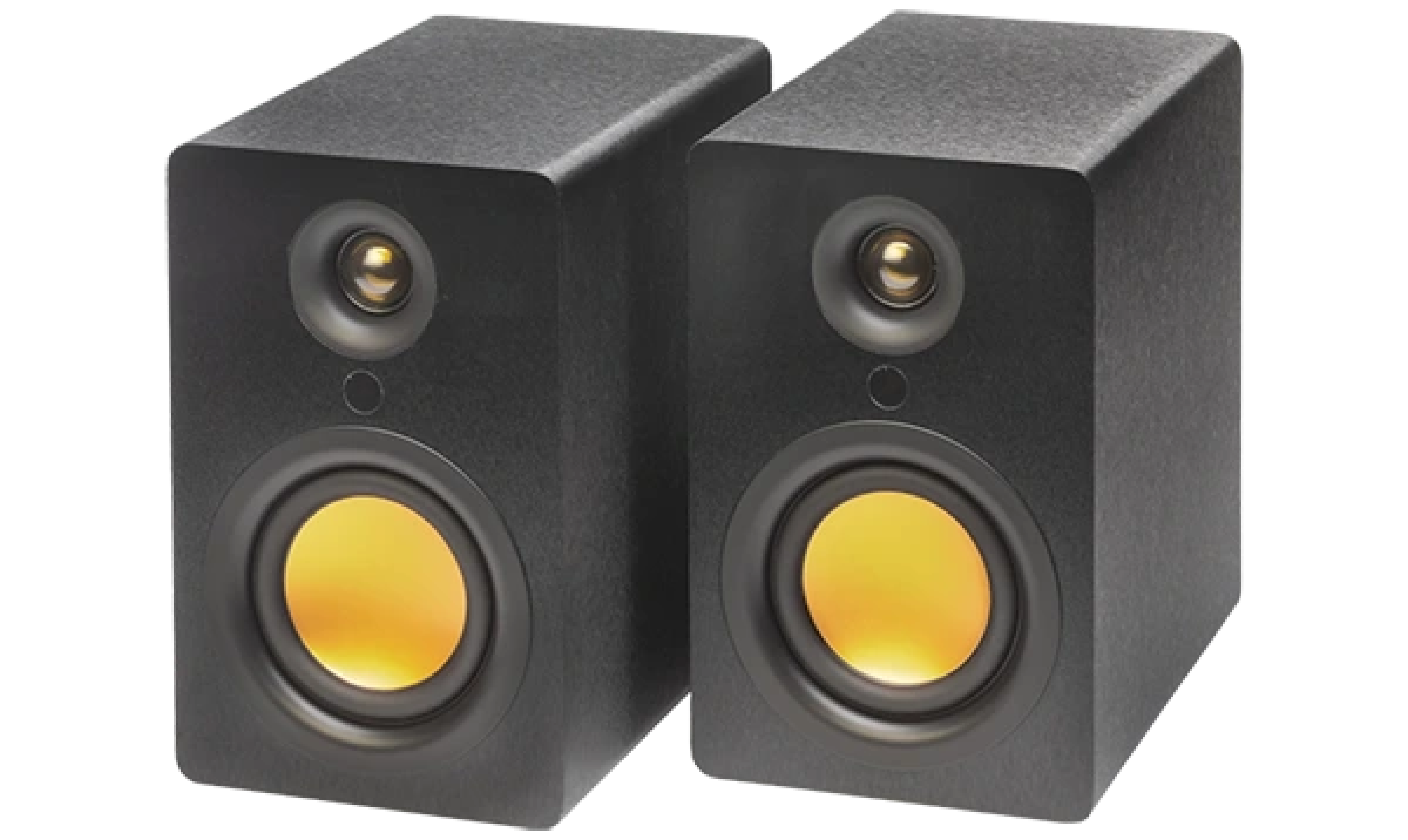

A simple home audio setup is three things: a source, a pair of speakers with their amplification built in, and a sensible place to put them. Start with the source you use most, which is usually the TV. Choose a stereo pair rather than a single box, set the speakers either side of where you listen and connect them with one input. Everything else, whether records, a phone or a voice assistant, is an addition you can make later without changing what you have built.
What do you actually need?
Less than the shops suggest. A home audio system comes down to four parts:
A source. The TV, a phone, a turntable or a laptop.
Amplification. Something has to amplify the signal for the speakers. In speakers built to include it, it is already inside, which is the simplest route. Our guide to powered vs passive speakers explains the difference.
Two speakers. A stereo pair gives you separation that one box cannot.
A connection. One input from the source to the speakers.
Everything beyond that is optional, and a system with those four parts is complete.
Which source should you start with?
Start with the source you use every day. For most homes that is the TV.
TV. The uStream Three, uStream Two, uStream One and uStream Cube connect to the TV through HDMI ARC, which carries the TV’s sound to your speakers over a single cable, and the TV remote then controls the volume. Whatever your TV plays comes through your pair. Our article on connecting speakers to a TV through HDMI ARC covers it step by step.
Phone or laptop. Connect by Bluetooth, the same way you would to any wireless speaker.
Records. A Bluetooth turntable streams to any Bluetooth speaker. The uStream TT1 connects to every uStream speaker with no receiver and no phono cable, and our guide to setting up a turntable in the living room covers where it should go.
All the inputs on a uStream sit on the left speaker, so you connect your sources in one place.
How do you choose the speakers?
Choose for the room and the sources, in that order.
Large room: the uStream Two, which fills a large room without effort, or the uStream Three, our flagship.
Small to medium living room: the uStream One.
Small apartment: the uStream Cube, ideal for the small apartments found across the world, for example in Bangkok, Singapore and Hong Kong.
Our article on choosing speakers for a small room goes into more detail. For the full range and specifications, see the uStream products.
Where should the speakers go?
Place them either side of the screen or the listening position, at roughly ear height when you are seated, and a little way from the walls. Treat the seat as the third corner of a triangle with the speakers at the other two. Our guide to where speakers should be placed gives the full starting point and explains what to adjust if the sound is not right.
Because there is no wire between the speakers, you place them for sound rather than for cable length. Every uStream pair links automatically with no app and no Wi-Fi, so the only connection you make is from your source.
How do you add music, records and voice assistants later?
One at a time, as you want them. Every uStream speaker works with Amazon Alexa and Google Home, which connect by Bluetooth, and each room works independently. If you want AirPlay 2 or hi-res audio, a WiiM Mini or Pro on the 3.5mm aux input adds them. WiiM is a third-party product, sold separately.
What mistakes are worth avoiding?
Buying the equipment before choosing the spot. Decide where you sit first, then work out what fits.
Putting both speakers on one shelf. Together they sound close to a single box. Give them room, one either side.
Hiding the speakers. Inside a cabinet or behind furniture they sound muffled. Give them open space around the front.
Adding extras too soon. Get the TV and the placement right first. A well-placed pair is the base for everything else.
A simple order of work
Decide where you sit most often, and where the speakers will go either side.
Place the speakers and sit down to check the position.
Connect the TV with HDMI ARC.
Pair your phone by Bluetooth.
Add a turntable or voice assistant when you want one.
Frequently asked questions
What do I need for a basic home audio system?
A source, two speakers with amplification built in and one connection from the source to the speakers. A TV, phone or turntable is the source.
How do I connect a TV to a home audio system?
Use HDMI ARC where the TV and speakers both have it. It carries the TV’s sound to the speakers on a single cable, and the TV remote then controls the volume.
What is a home audio system?
It is a source, a pair of speakers with amplification built in, and one connection between them. The left and right pair gives you the stereo that music and TV are mixed for, and a third box is not necessary.
Do I need an amplifier?
Not with speakers that include their amplification, which is the case across the uStream range. Passive speakers need a separate amplifier.
Follow Mitchell Acoustics on Facebook, Instagram, YouTube, X, Threads, Pinterest, LinkedIn and TikTok for new uStream guides, setup films and listening tips.