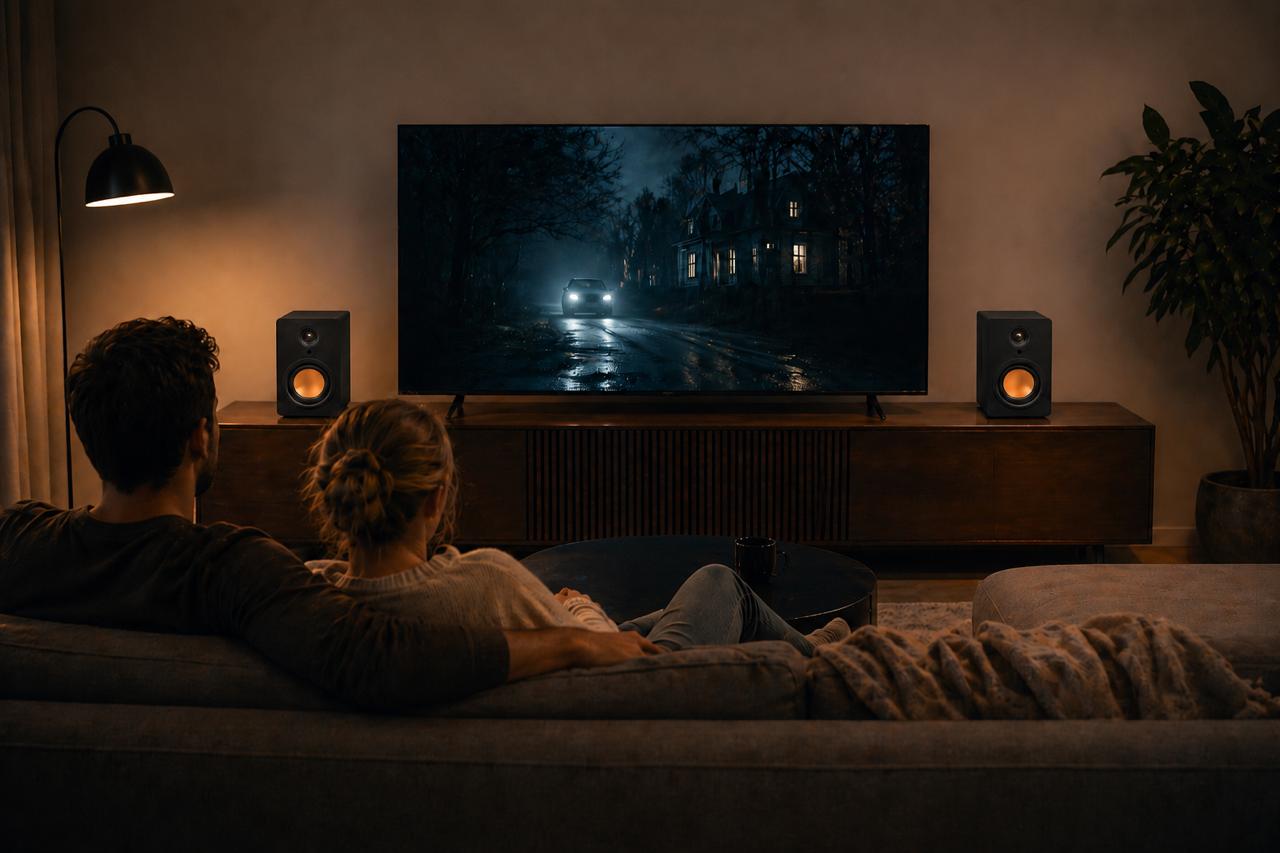

Yes, as long as the speakers have an HDMI ARC input of their own, or are plugged into an amplifier or receiver that does. Powered speakers with an ARC socket connect with one HDMI cable and then follow the TV remote. Passive speakers, Bluetooth speakers and speakers with only analogue inputs cannot take ARC directly, but there is a workable route for each.
How does HDMI ARC work?
ARC stands for Audio Return Channel. Normally an HDMI cable carries picture and sound into the TV from a box such as a games console or set-top box. ARC lets one of the TV’s HDMI sockets send sound back out the other way, to whatever is plugged into it.
So the TV becomes the hub. Everything that makes a picture plugs into the TV, the TV plays its own apps and channels, and all of that audio leaves through the single ARC socket to your speakers.
The same cable also carries HDMI-CEC, a control link between devices. CEC is what lets the TV switch the speakers on, turn them off again and send volume commands from the TV remote. Every TV maker gives CEC its own brand name in the settings menu, which is why it can be hard to find, but it is the same feature underneath.
Which speakers can you connect through HDMI ARC?
It comes down to what sockets are on the back of the speakers, or on the box that drives them.
Powered speakers with an HDMI ARC input. These are the simplest. The amplifier is built into the speakers, the ARC input is on the speaker, and one cable from the TV does everything. This is the closest a stereo pair gets to the convenience of a soundbar.
Passive speakers. These have no amplifier and no digital inputs, just speaker terminals. They cannot connect to a TV on their own. Put an amplifier or AV receiver with an HDMI ARC input between the TV and the speakers: the TV feeds the amplifier over HDMI, and the amplifier drives the speakers through ordinary speaker cable. Plenty of stereo amplifiers now include an ARC input for exactly this reason. If you are unsure which type you have, our guide to powered vs passive speakers explains how to tell.
Powered speakers without HDMI. Many have optical, RCA or a 3.5mm input instead. If your TV has an optical output, use that and skip ARC altogether. If the TV only offers ARC, a small box called an HDMI ARC audio extractor or converter takes the ARC signal and turns it into optical or analogue outputs. It works, but expect to lose some of the convenience: many of these boxes do not pass volume commands through, so you may end up using the speakers’ own remote.
Bluetooth-only speakers. ARC is a wired connection, so it does not help here. Use the TV’s own Bluetooth output if it has one, and accept that Bluetooth can introduce a small delay between picture and sound on some TVs.
How do you connect HDMI ARC to speakers?
The short version:
Find the HDMI socket on the TV labelled ARC or eARC. Usually only one socket has it.
Run an HDMI cable from that socket to the HDMI ARC input on the speakers or amplifier.
In the TV’s sound settings, change the audio output from the TV speakers to HDMI ARC, external speakers or receiver, depending on the wording.
Turn on HDMI-CEC in the TV’s settings, often under external devices or connections.
Select the HDMI ARC input on the speakers, if they do not switch to it automatically.
Press volume on the TV remote and check the speakers respond.
If you hear nothing, or the sound cuts in and out, set the TV’s digital audio output format to PCM. A stereo pair only needs two channels, and PCM removes any chance of the TV sending a surround format the speakers cannot decode. Our HDMI ARC vs optical guide has a full checklist for fixing no sound, along with a plain explanation of eARC.
Where should the HDMI cable go with a stereo pair?
With a soundbar, the cable runs to one box in the middle. A stereo pair has two speakers, one either side of the screen, so it is worth checking which speaker carries the inputs before you plan the layout.
On many powered pairs, one speaker holds the amplifier electronics and all the inputs, and the other connects to it with a cable or wirelessly. Put the speaker with the inputs on the side nearest the TV’s ARC socket and you keep the HDMI run short and out of sight. Measure from the socket to the speaker’s actual input before you buy a cable; an HDMI lead that is too short is a common reason a careful layout gets compromised.
Leave a little slack at both ends. HDMI plugs are heavy and stiff, and a cable pulled tight can work loose over time, which shows up as sound dropping out for no obvious reason.
Does HDMI ARC turn off the TV speakers?
Normally, yes. When you switch the TV’s audio output to ARC or external speakers, it mutes its own speakers so you are not hearing two sources slightly out of step with each other. If you switch the output back to TV speakers, sound returns to the TV and the external speakers go quiet.
Some TVs offer a setting that plays sound from both at once. It is rarely worth using. The TV’s speakers and your external speakers will not be perfectly in time, and the thin sound from the TV muddies the stereo image you bought the speakers for.
What can go wrong with HDMI ARC?
ARC is reliable once it is set up, but the control side can be fussy, especially with several HDMI devices attached. The usual culprits:
The wrong HDMI socket. Only the ARC socket sends audio out. Any other socket does nothing for the speakers.
CEC is switched off on one device. The sound plays, but the speakers ignore the TV remote or fail to switch on with the TV.
Too many devices trying to control each other. A console or set-top box with its own CEC settings can occasionally fight the speakers for control. Turning CEC off on the device you do not need it for usually settles it.
Speakers wake before the TV is ready. If the speakers come on but stay silent, switch them off and on again with the TV already running, or unplug the HDMI cable for a few seconds.
If ARC simply will not behave on your TV and it has an optical output, optical is a perfectly good fallback for stereo. You lose remote volume control, not sound quality.
Which uStream speakers connect by HDMI ARC?
The uStream Cube, uStream One, uStream Two and uStream Three all have an HDMI ARC input, so each connects to a TV with one HDMI cable. Connect a uStream Cube or uStream One that way and you control the volume with the TV remote you already use. The uStream One, uStream Two and uStream Three also have an optical input for TVs without ARC. On the uStream Two and uStream Three the inputs are on the left speaker, and the two speakers in each pair link to each other wirelessly, so the only cable you run from the TV is the HDMI lead.
If you are still deciding between a pair of speakers and a soundbar, the soundbar vs stereo speakers page sets out the differences, and you can compare every model in the uStream range.
Frequently asked questions
Is HDMI ARC only for audio?
The return channel itself carries only sound, from the TV out to your speakers, plus the CEC control signals. The cable is an ordinary HDMI cable, though. If the other end is an AV receiver that also has your devices plugged into it, the same cable can carry picture into the TV at the same time.
How do you connect HDMI ARC to speakers that don’t have HDMI?
Use the TV’s optical output if it has one and the speakers have an optical input. Otherwise, an HDMI ARC audio extractor converts the ARC signal to optical or analogue outputs the speakers can take. For passive speakers, use an amplifier or receiver with an HDMI ARC input.
Does HDMI ARC disable TV speakers?
When you set the TV’s sound output to HDMI ARC, it normally mutes its own speakers. Switch the output back to TV speakers in the sound menu to hear them again.