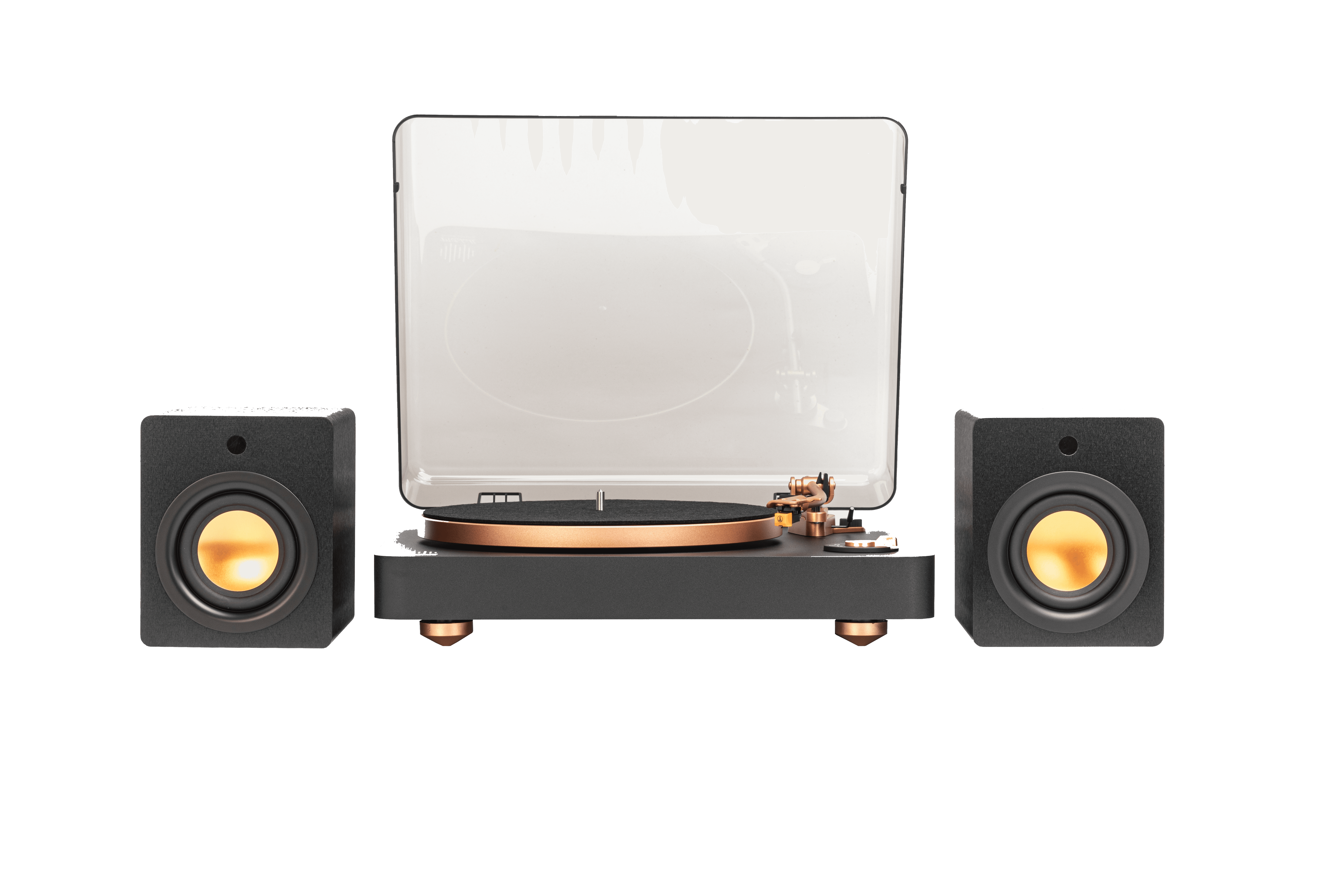
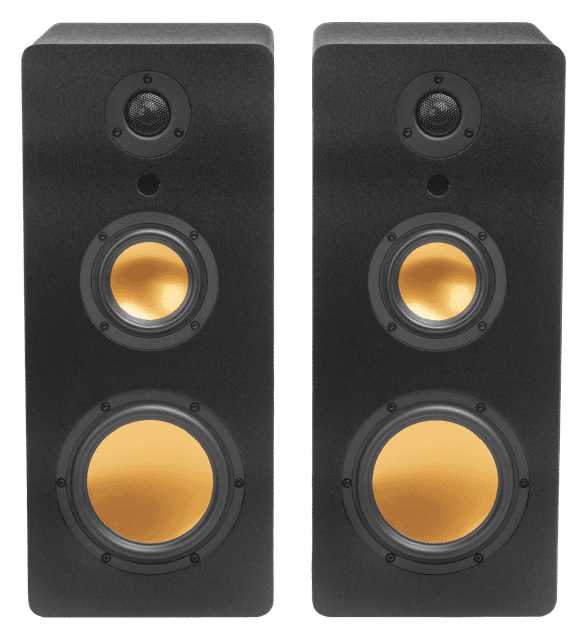
Yes, it matters for stereo. The left speaker should sit on your left as you face the screen or your seat, and the right speaker on your right. Swap them and the whole sound stage is mirrored, so the guitar mixed to the left comes from the right, and a car crossing the screen from left to right sounds as if it is driving the other way.
Why does left and right matter?
Music and TV are mixed in two channels. The engineer places voices, instruments and effects across the gap between them, so a footstep can move across the room with the picture. Your ears work out where each sound comes from by comparing small differences in timing and loudness between the left ear and the right, as our guide to how your ears tell where a sound comes from explains. That only works if each channel reaches the correct side.
What happens if the speakers are swapped?
Nothing breaks. A swapped pair is not damaged, and voices mixed to the centre stay in the centre whichever way round the speakers sit. The problems are subtler:
Effects move the wrong way. On a film, anything that pans across the screen travels opposite to the picture.
Music is mirrored. You may not notice with a song, but on a live recording the instruments sit on the wrong sides.
The fix costs nothing, so get it right once and forget about it.
How do you tell which speaker is left or right?
Try these in order.
Look for labels. Many speakers are marked L and R, on the back, the base or beside the connections. A pair made of two identical-looking boxes usually has one marked somewhere.
Find the speaker with the inputs. In a powered pair, one speaker carries the connections to your source and passes the other channel to its partner. The manual says which side that is. On every uStream pair, all the inputs are on the left speaker, so the one at the end of your cable is your left.
Use a left and right test recording. Search for a left and right channel test, where a voice announces each side in turn. Play it and see which speaker answers to “left”.
Try the balance setting. Many TVs, amplifiers and phones have a balance control in the sound menu. Slide it fully to the left and only the left speaker should play. Put it back to the centre afterwards.
Which side is left: yours or the speaker’s?
Yours, as you face the speakers. The left speaker is the one on your left hand when you look at the screen, not the one on its own left as it faces you. For a TV that means the sofa, and for a desk it means your chair. Our guide to where speakers should be placed covers spacing and the triangle between the speakers and your seat.
How does a wireless pair decide left and right?
True Wireless Stereo links two speakers without a cable between them, one playing the left channel and the other the right. Your source connects to one speaker, which hands the other channel to its partner over the air. Our guide to True Wireless Stereo explains how it works.
Every uStream pair links automatically when switched on, with no app, no Wi-Fi and no wire between the speakers. Since all the inputs are on the left speaker, the rule is simple: put the speaker with the inputs on your left, and the other on your right. Every uStream pair also connects to a TV by HDMI eARC and works with the TV remote you already use, so the TV connection goes to the left speaker. See the full uStream range.
What if the room forces the wrong side?
Rearrange the room rather than the speakers. A wired passive pair can be swapped at the connections, but a wireless pair assigns the channels itself, so check the manual before you assume you can reverse them. Once the pair sits correctly, setting up for a better centre image shows how angle and spacing pull dialogue into the middle.
Frequently asked questions
How do you know which speaker is left or right?
Check for L and R labels first, then see which speaker carries the inputs and read the manual for that side. If neither helps, play a left and right test recording and listen to which speaker answers each side. On every uStream pair, the inputs are on the left speaker.
Does it matter if my speakers are swapped?
For stereo, yes. Nothing is damaged, but the sound stage is mirrored, so effects on a film move the wrong way across the screen. Dialogue stays centred, so many people only notice the oddness over time.
Why is my right speaker louder than my left?
It is usually the room or the seat rather than the speakers. If you sit nearer the right speaker, it sounds louder, and a hard wall or window close to one side adds reflections. Move to the middle of the pair, check the balance setting is centred and keep the speakers the same distance from the walls.
Follow Mitchell Acoustics on Facebook, Instagram, YouTube, X, Threads, Pinterest, LinkedIn and TikTok for new uStream guides, setup films and listening tips.