Look at the back of your TV, find the best audio output it has, and buy speakers that accept that connection. The order of preference is HDMI eARC (or the earlier ARC on older sets), then optical, then the 3.5mm headphone output, with Bluetooth last. A smart TV makes no difference to this, because streaming apps send their sound out through the same outputs as broadcast channels.
Why does the TV’s output decide which speakers you can use?
Speakers can only play what the TV sends them, and only through a connection both sides share. A TV with HDMI eARC and speakers with HDMI eARC need one cable. A TV with only optical needs speakers with an optical input. If the two do not match, you fall back to the next connection on the list, and each step down costs you a little convenience.
Checking the TV first saves you from buying the wrong pair. Our guide to TV audio outputs shows how to recognise each port.
What do you gain with HDMI eARC?
Fewer cables and less fuss. One HDMI cable carries the sound from the TV to the speakers, and the same cable carries control signals, so the TV remote can usually change the volume and the speakers can wake with the TV. That is the connection to use if both your TV and your speakers have it.
Use the HDMI port marked eARC or ARC, because the other ports will not send sound back, and switch the feature on in the TV settings. If the remote does not control the speakers, look for the setting that allows HDMI device control. Our guide to HDMI ARC speakers covers the setup.
What do you lose with optical?
Mostly the remote. Optical carries sound only, so the TV remote usually cannot change the speaker volume, and you use the speakers’ own remote instead. Sound quality for a stereo pair is the same as over HDMI. Optical is also a good choice when your HDMI ports are all taken or the TV’s eARC port is busy with something else.
If you hear nothing, open the TV’s digital audio output setting and try PCM. Our comparison of HDMI ARC and optical goes deeper.
Can you use the headphone output or RCA outputs?
Yes, and for older TVs it is often the only wired option. The 3.5mm headphone output feeds an analogue signal into any speakers with a 3.5mm or aux input. Older sets may also have red and white RCA outputs for the left and right channels. You lose the digital connection and, on many sets, remote volume control, because some outputs send a fixed level. Check the TV’s sound menu, where you can often choose how the output behaves.
Is Bluetooth a good way to connect speakers to a smart TV?
It is the easiest connection, with no cable at all, and the least dependable for films. Bluetooth adds a short delay, so voices can land a little behind the picture. Many TVs have an audio sync setting that helps, but a wired connection avoids the problem completely. Keep Bluetooth for music from your phone. Our guide to Bluetooth speakers lagging behind the TV explains the delay.
How do you match speakers to a TV in four steps?
Find the outputs on the back or side of the TV and note which are there.
Choose the best one in this order: HDMI eARC, optical, 3.5mm headphone or RCA, Bluetooth.
Check that the speakers have a matching input, and ask whether they are powered. Passive speakers need an amplifier in between.
Test with a film and a voice-heavy programme, then adjust the TV’s audio output setting if you hear nothing.
For a wider view of which kind of speaker to buy, read our guide to the best speakers for a TV.
Which uStream speakers connect to which TV outputs?
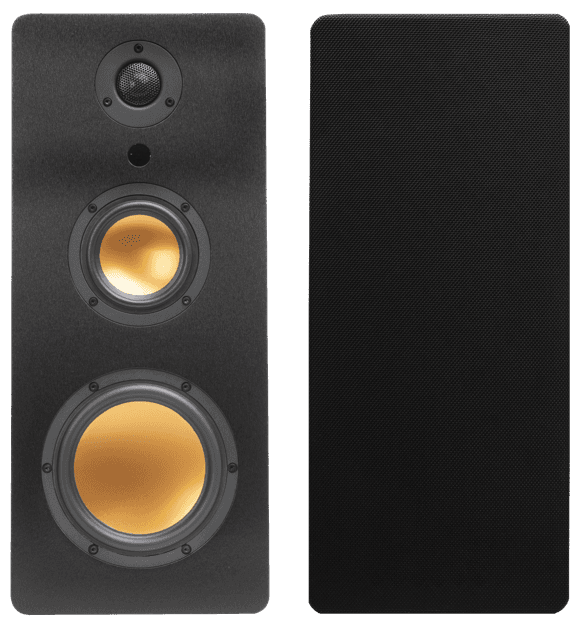
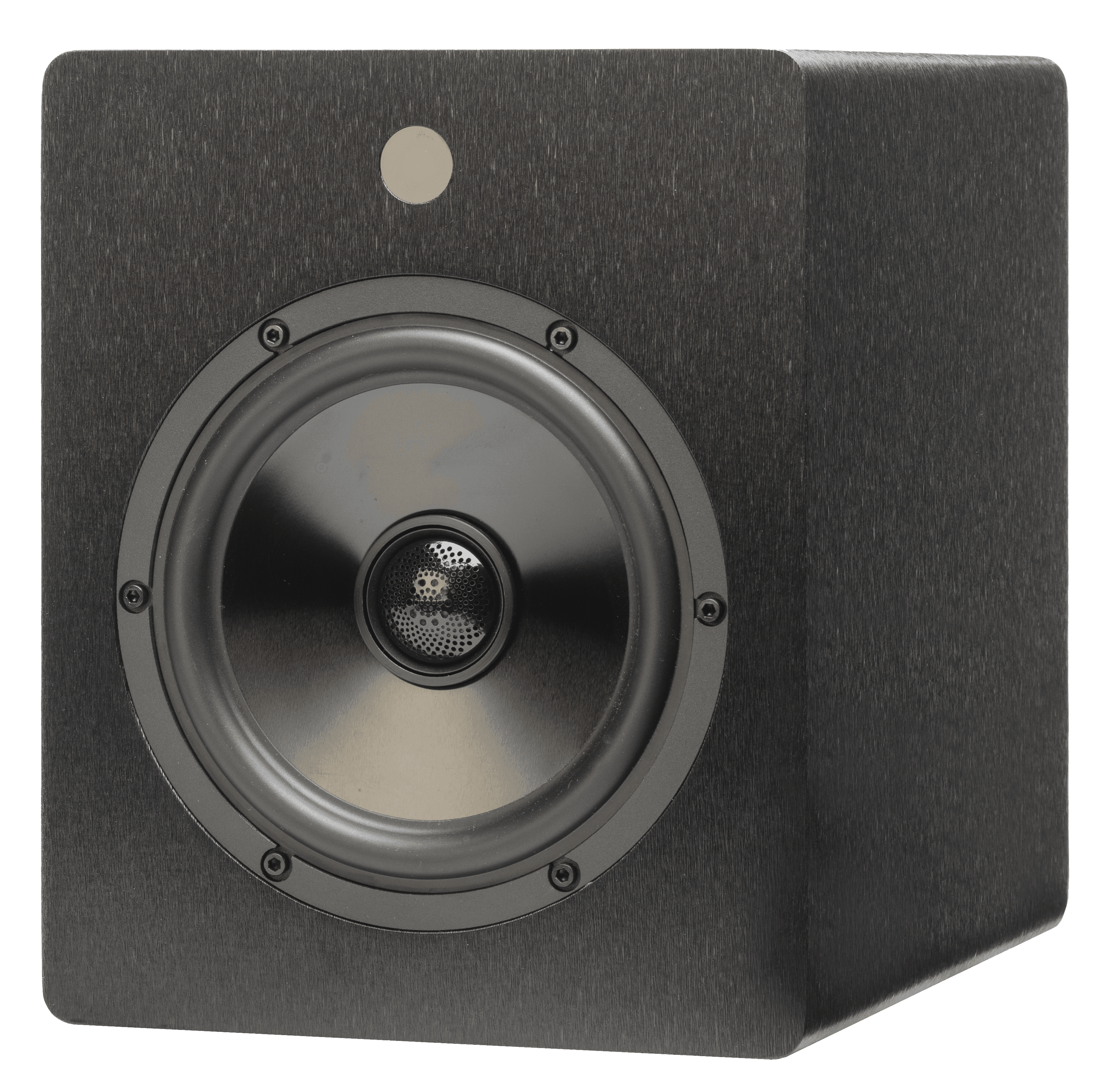
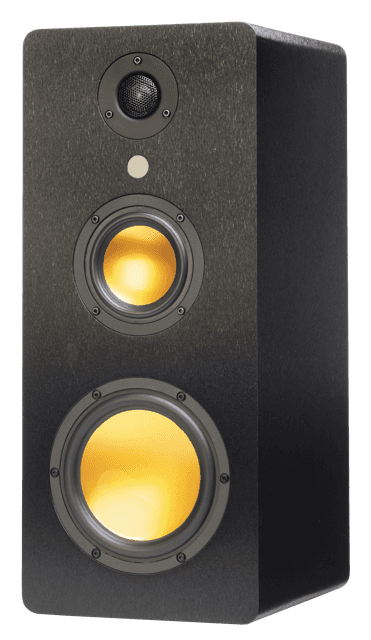
Every uStream pair (uStream Three, uStream Two, uStream One and uStream Cube) connects to a TV through HDMI eARC, and your TV remote then does the controlling. All the inputs sit on the left speaker, and the two speakers link automatically with no cable between them, no app and no Wi-Fi. The uStream Three, uStream Two and uStream One also have an optical input, and the uStream Three, uStream One and uStream Cube have a 3.5mm input. Bluetooth works on every pair. To see how a pair compares with a soundbar, read soundbar vs stereo.
Frequently asked questions
What are the best speakers to connect to a TV with different audio outputs?
Powered stereo speakers that offer several inputs, including HDMI eARC and optical, because they suit almost any TV. Check that at least one input matches an output on your set.
Can I connect speakers to a smart TV?
Yes. A smart TV has the same outputs as any other, and streaming apps play through them. Use HDMI eARC if it is there, and optical if it is not.
Do I need an adapter to connect speakers to my TV?
Not if the connections match. If your TV has only a headphone output and your speakers have RCA inputs, a simple 3.5mm to RCA cable does the job.
Why is there no sound from my speakers when connected to the TV?
Usually the TV’s audio output setting is still pointing at its own speakers. Switch it to external speakers or the connection you are using, and try PCM for optical.
Follow Mitchell Acoustics on Facebook, Instagram, YouTube, X, Threads, Pinterest, LinkedIn and TikTok for new uStream guides, setup films and listening tips.