True Wireless Stereo, usually shortened to TWS, is a way of linking two Bluetooth speakers or earbuds without a cable between them, so that one plays the left channel and the other plays the right. Your phone, TV or turntable sends the audio to one of them, and that unit passes the other channel across to its partner. Set up properly, it is real stereo: two separate sound sources, each playing its own half of the mix. The catch is that not every two-speaker Bluetooth setup works this way, and the difference is worth understanding before you buy.
What does True Wireless Stereo actually mean?
The name is doing three jobs at once. “Stereo” means two channels, left and right, recorded and mixed to come from different places. “Wireless” means the audio arrives over Bluetooth rather than a cable. “True” is the important word: it means there is no wire between the two halves either.
That last part is what separated TWS from earlier wireless products. Early wireless earphones still had a cord running between the two earpieces, around the back of the neck, and many powered speaker pairs still need a lead running from one speaker to the other. TWS removed that link. Each unit is physically independent, and the pair talks to itself over the air.
You will see the term in two places. On earbuds, it mostly means “no cable between the buds”, which is now so normal that it barely counts as a feature. On speakers, it matters much more, because it decides whether you get two speakers playing left and right, or two speakers playing the same thing.
How does True Wireless Stereo work?
The common arrangement is a primary and a secondary unit.
Your source, such as a phone, laptop or TV, connects over Bluetooth to the primary speaker or earbud.
The primary receives the full stereo signal, keeps the channel it is responsible for, and relays the other channel to the secondary.
Both units play in sync, so the left and right halves of the music line up in time.
Because the source only connects to one device, the pair usually shows up as a single name in your phone’s Bluetooth list. That is normal, and it is one of the signs that TWS is working rather than two separate speakers each grabbing their own connection.
The timing is the clever part. Left and right have to stay in step with each other, otherwise the stereo image smears and transients like a snare hit or a plucked string lose their edge. The speakers handle that between themselves, which is why it is worth keeping the pair within the range the manufacturer recommends rather than at opposite ends of a large house.
Some newer earbud designs work slightly differently, with both buds receiving from the phone more directly rather than one relaying to the other. To the listener, the result is the same idea: two independent units, left and right, with nothing joining them.
Is True Wireless Stereo real stereo?
Yes, when the two units are set up as a left and right pair. Each speaker plays a different signal, so the separation the recording engineer built into the mix reaches the room intact. A guitar panned left comes from the left speaker. Vocals mixed to the centre appear to float in the gap between the two. That phantom centre image is exactly what you get from a wired stereo pair, and it is the thing a single box, however wide, struggles to recreate. We cover that difference in more depth in our soundbar vs stereo speakers comparison.
Where people get caught out is that some products use the TWS name loosely, or offer more than one way to link speakers. Two common modes look similar on the box but behave very differently:
Stereo pairing (TWS): one speaker is left, the other is right. This is real stereo.
Party or multi-speaker mode: every speaker plays the same mixed-down signal. That is useful for spreading sound around a garden or a big room, but it is two mono speakers, not a stereo pair.
If a product only offers the second mode, you are getting more volume in more places, not stereo. If it offers both, make sure you have chosen the stereo option, and check which speaker the manual says is left.
Does Bluetooth affect the sound quality?
Bluetooth compresses audio to fit it through the wireless link, and the quality depends on the codec your source and the speakers agree on. For most listening, on a decent pair of speakers at sensible volumes, it is good enough that the room and the speaker placement make a much bigger difference than the codec does.
In everyday listening, the link between the two speakers is rarely the weak point. The bigger factors are more down to earth:
Placement. Two speakers jammed together on one shelf will sound almost mono, whatever technology links them. Spread them out and angle them towards where you sit.
Distance from the source. Walls, floors and other wireless devices can weaken a Bluetooth signal. Keep the source reasonably close to the primary speaker.
Distance between the pair. Stay within the recommended range between left and right so the link between them stays stable.
If you play records or use the TV as your main source, a wired input on the primary speaker removes the source-to-speaker Bluetooth step entirely, while the link between left and right stays wireless.
How do you pair True Wireless Stereo speakers?
The exact steps vary by product, so the manual is always the final word, but the order is almost always the same:
Switch both speakers on and pair them with each other first. On some speakers this means holding a button; on others it happens automatically.
Once the pair has linked, connect your phone or TV to the primary speaker as you would to any Bluetooth device.
Play something with obvious left and right content to check the channels are the right way round.
The most common mistake is pairing your phone to each speaker separately before they have found each other. That can leave you with one speaker playing and the other silent, or both playing the full signal. If that happens, forget the speakers in your phone’s Bluetooth settings, reset the pairing between the two speakers, and start again in the order above.
Some systems take the steps away altogether. Every speaker in the uStream range pairs left and right with each other automatically when switched on, with no app and no Wi-Fi involved, so the only connection you make yourself is from your source.
Where should you put a TWS pair?
Exactly where you would put a wired stereo pair. The wireless link frees you from running a cable between them, but it does not change the physics of stereo. As a starting point, place the speakers the same distance apart as they are from your seat, roughly a triangle, at about ear height, and a little way off the wall. Our guide to how far bookshelf speakers should be from the wall goes into the detail.
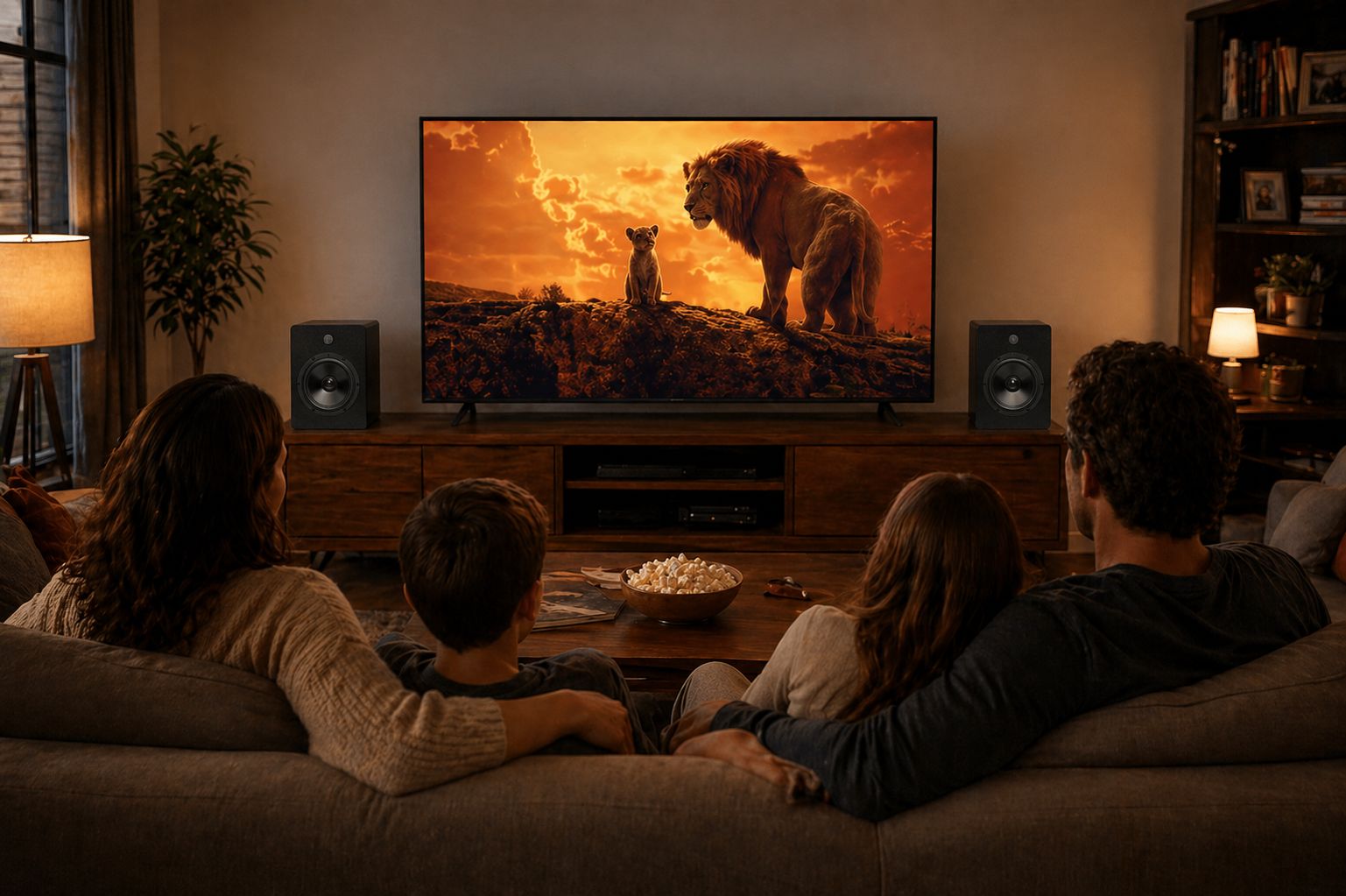
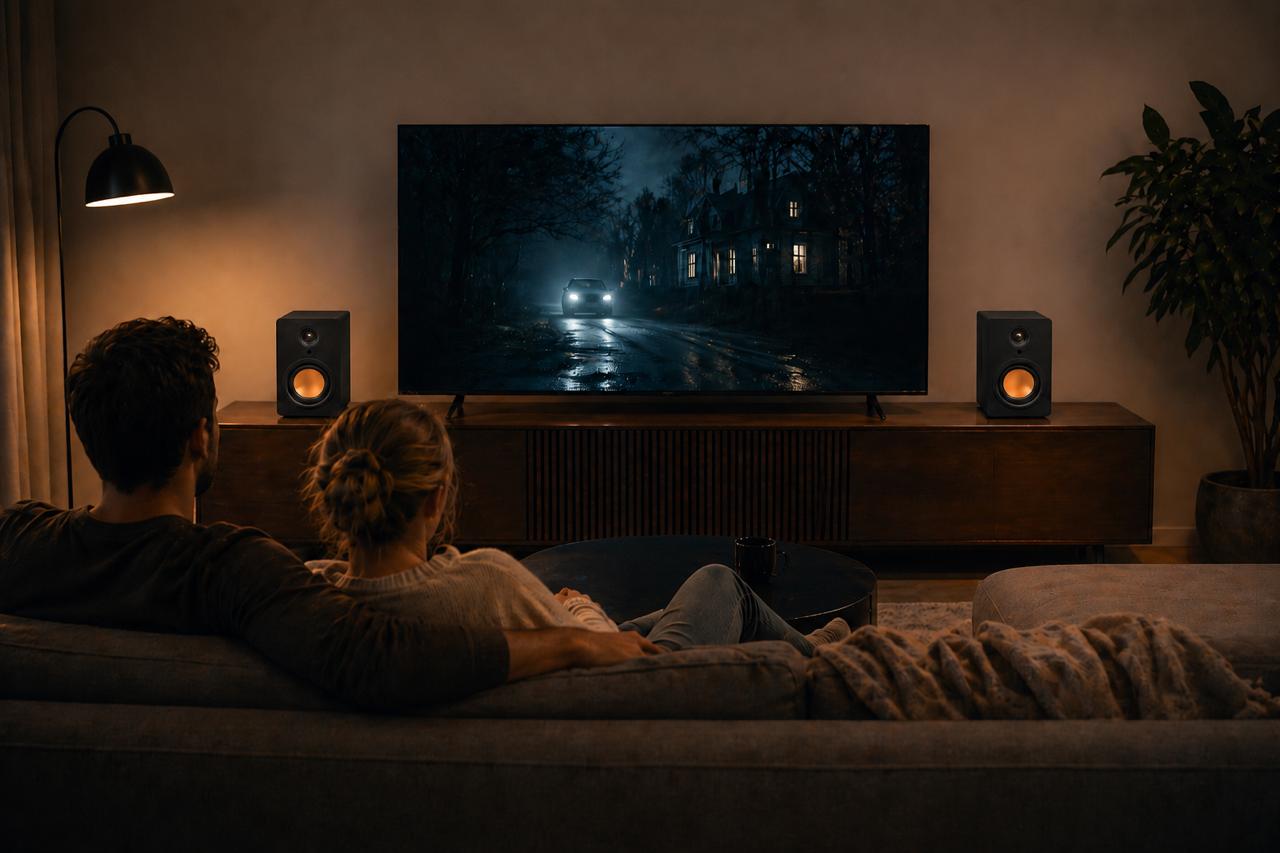
For TV, keep one speaker either side of the screen and roughly the same distance from where you sit, so dialogue anchors to the middle of the picture. If you are replacing a soundbar this way, our article on whether stereo speakers can replace a soundbar covers the connection side.
Portable pairs follow the same rule outdoors. The uStream Go, for example, is two battery-powered speakers, left and right, designed to be placed up to 15 feet apart. Put them side by side on a picnic blanket and you hear something close to mono; spread them out and the stereo image opens up.
Is TWS worth having?
If you want stereo without speaker cable, yes. It solves the oldest practical problem with a pair of speakers: the wire that has to cross the room from one side to the other. It also means a pair can go where cables would be awkward, either side of a TV, across a bay window, or on two shelves that are not joined.
What it does not do is make a poor speaker good. The drivers, the cabinet and how much continuous power each speaker can deliver still decide how a pair sounds. TWS is the link, not the sound. Choose speakers you would be happy with on a cable, make sure they genuinely play left and right, and the wireless part becomes something you stop thinking about.
Frequently asked questions
What does True Wireless Stereo pairing mean?
It means linking two TWS speakers or earbuds to each other so one plays the left channel and the other plays the right. You normally pair the two units together first, then connect your phone or TV to the primary one.
What is True Wireless Stereo mode?
It is the setting on a Bluetooth speaker that makes it act as one half of a stereo pair, rather than playing the full mixed signal on its own. If a speaker also has a party or multi-speaker mode, that mode usually plays the same sound through every speaker, which is not stereo.
What are True Wireless Stereo earbuds?
They are earbuds with no cable between the left and right buds. Each bud is independent, and the pair handles left and right channels between themselves and the phone. Almost all wireless earbuds sold today work this way.
How do I connect True Wireless Stereo earbuds?
Take both buds out of the case so they link to each other, put them in pairing mode if they don’t enter it automatically, then select them in your phone’s Bluetooth settings. They should appear as a single device.