
Almost every modern TV sends stereo sound. You only hear mono when a mono or accessibility audio setting has been switched on, or when the programme itself was recorded in mono. Most of the time the signal is fine, and the thing holding the sound back is the speakers inside the TV, which sit too close together to show it off.
How can you tell if your TV is playing stereo or mono?
Start with the TV’s own sound menu. Look for an option called something like audio mode, sound output, mono audio or accessibility. If a mono setting is on, switch it off. These settings exist for people who hear better in one ear, because mono sends the same sound to both sides, so they are easy to switch on by accident.
Then run a simple test. Play something you know was mixed in stereo, such as a music video or a concert. Stand a metre or two in front of the screen and listen for any sense of left and right. If every sound seems to come from one central spot, the TV may be set to mono, or its speakers may be too close together to separate the channels.
Also check the programme. Older broadcasts and archive footage were often recorded in mono and stay mono whatever you do. A film or streamed drama is almost always stereo or better.
Why does TV sound often feel mono even when it is not?
A flat TV has very little room inside for speakers. In most sets the left and right speakers sit a short distance apart, tucked into the bottom edge or the back of the cabinet, and they fire down or backwards. A stereo mix relies on a clear gap between the two channels, and that gap is only a hand or two wide here.
Your ears work out where a sound comes from by comparing tiny differences in timing and loudness between the left ear and the right. If the two sources are close together, those differences shrink, and the sound seems to come from the middle of the screen, or from somewhere below it. Our guide to how your ears tell where a sound comes from explains the idea in more detail.
So the mix may be stereo, but the result sounds close to mono. The real limit is the spacing, not a wrong setting.
What does a separate stereo pair change?
Put a speaker either side of the screen and the gap between left and right grows from a few centimetres to the width of your TV or more. Now the timing and loudness differences are large enough for your brain to use. Effects move across the room, music spreads out between the speakers, and voices settle in the centre where the picture is.
Dialogue usually improves too. A TV speaker fires from the bottom edge or the back, while a separate pair can sit at ear height and point at you. Our guide to getting clearer TV dialogue goes through that, and which speakers suit a TV covers choosing a pair.
You do not need surround for this. Two well placed speakers turn a mono-sounding TV into a proper stereo one.
How do you connect a pair and keep it in stereo?
Check the back of the TV for an HDMI port marked eARC or ARC, an optical output or a headphone output. HDMI eARC is the best option when it is available, because one cable carries the sound and lets the TV remote control the volume. Our guide to TV audio outputs shows what each one gives you.
Once the speakers are connected, open the TV’s sound menu again and set the output to external speakers or the connection you used. Leave any mono option switched off. If the sound is still centred, check the output format and try PCM, the plain stereo format most speakers read.
Place the pair evenly either side of the screen, both at the same height, with the tweeters roughly at ear level where you sit. Keep the left speaker on your left as you face the TV.
Where do uStream speakers fit in?
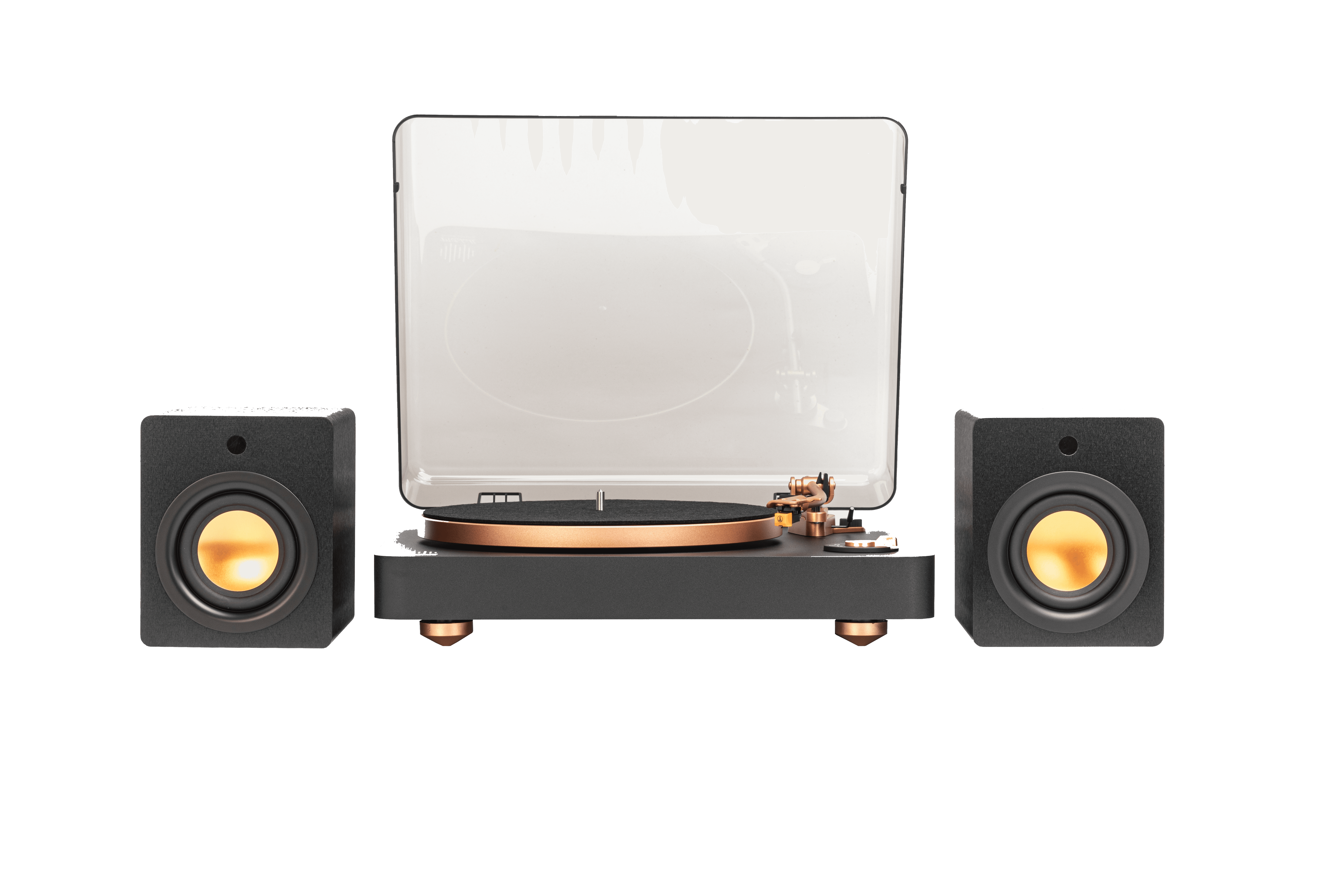
Every uStream pair connects wirelessly, with no cable between the speakers, so you can set them as wide as your TV needs. Every pair connects to a TV by HDMI eARC and works with the TV remote you already use. See the full uStream range.
Frequently asked questions
Is my TV stereo or mono?
Almost certainly stereo. Mono only appears when a mono audio setting is on or the programme was recorded in mono. Check the sound menu and play a stereo music clip to hear for yourself.
Why does my TV sound like it is coming from one place?
The speakers inside a flat TV sit close together, so the left and right channels barely separate. Spacing them apart with a separate pair brings the width back.
Should I turn on mono audio on my TV?
Only if you hear better in one ear or have trouble with the left and right split. For most people, leave it off so you get the full stereo mix.
Do I need surround sound to hear stereo properly?
No. A stereo pair either side of the TV is enough to hear left and right. Surround only adds speakers behind you.
Follow Mitchell Acoustics on Facebook, Instagram, YouTube, X, Threads, Pinterest, LinkedIn and TikTok for new uStream guides, setup films and listening tips.